Introduction
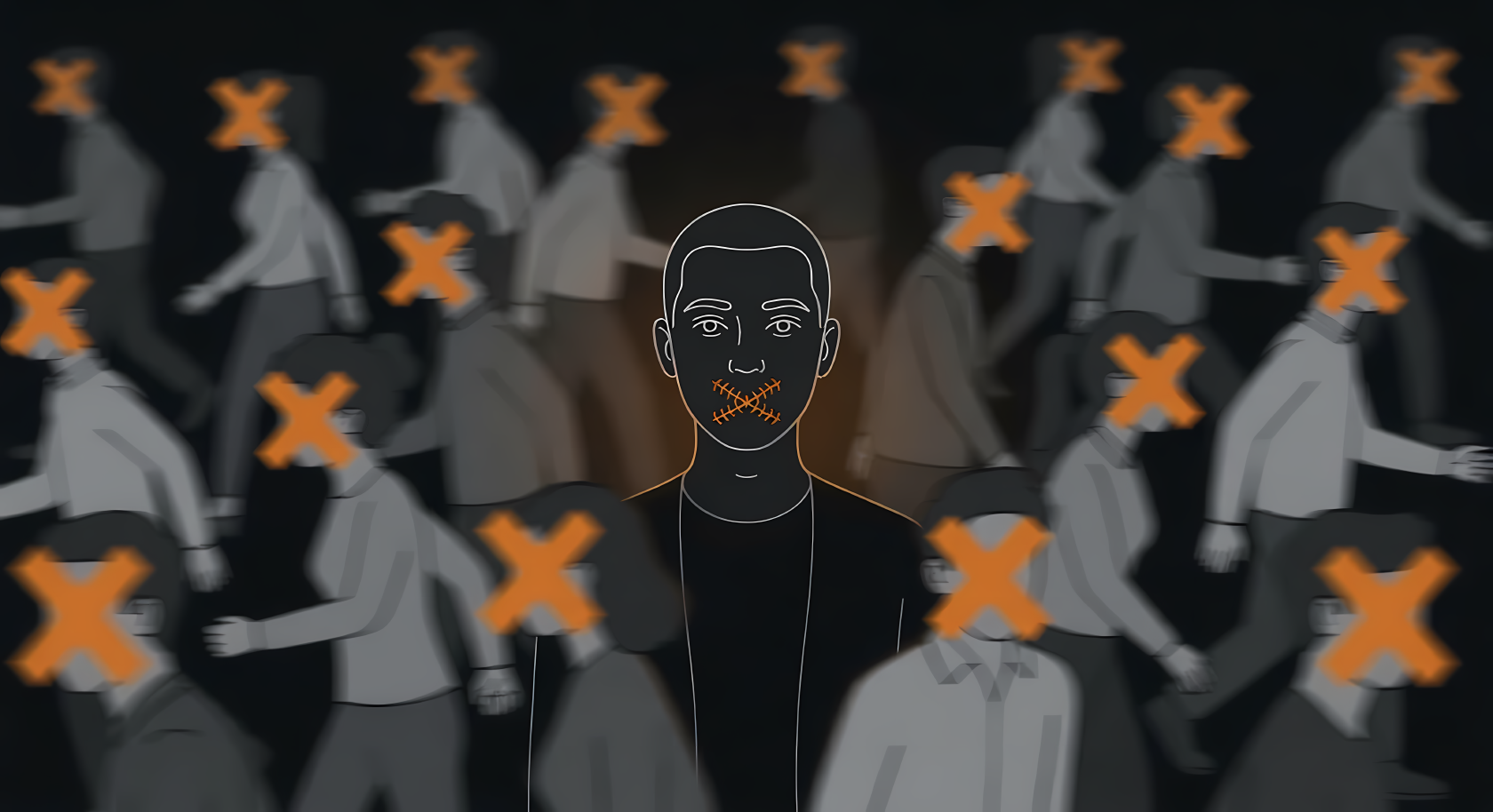
People often buy a VPN, switch to an encrypted messenger, and assume they are secure. They treat security like a shopping list. But tools alone do not protect you. If you use an encrypted messenger to send a screenshot that includes your real name, the encryption did its job perfectly, but you still leaked your identity.
This guide covers Operations Security (OPSEC). It is designed to be a long-term reference you can return to as your threat model changes. We will look at how to protect critical information, how small leaks combine to expose you, what tools actually work, and how to build habits that hold up in the real world.
1. What OPSEC Is
Operations Security is a process. It is a way of looking at your actions from the perspective of an adversary to figure out what you are accidentally revealing.
People often confuse privacy, cybersecurity, and OPSEC. Here is how I think about the difference. Privacy is your fundamental right to keep things hidden, like choosing to close the curtains in your house. Cybersecurity is the technical defense you build, like putting a strong lock on the front door. OPSEC is the discipline of making sure your shadow is not visible through the curtains and that you do not accidentally leave the spare key under the welcome mat.
OPSEC is not about installing the right software. Software is just how you enforce your decisions. OPSEC itself is a mindset and a daily discipline. It is the practice of managing your behavior so you do not defeat your own technical defenses.
2. The Core OPSEC Process
The OPSEC process is a structured way to stop leaking information. It forces you to think systematically instead of just guessing what might be dangerous.
First, you identify what must be protected. You cannot protect everything, so you have to know exactly what matters most. Second, you identify who or what the threats are. Third, you look for indicators. These are the small, seemingly harmless clues that could point an adversary toward your protected information. Fourth, you assess the actual risk by looking at how likely an attack is and how bad the impact would be. Finally, you choose countermeasures to reduce that risk.
This process must be based on realistic threats, not paranoia. If you try to defend against every possible threat on earth, you will burn out and abandon your security entirely.
3. Threat Modeling
A threat model is a formal way of figuring out what you are actually defending against. OPSEC without threat modeling becomes random and ineffective. You end up spending money on extreme privacy tools while ignoring massive holes in your basic account security.
To build a threat model, you define your assets (what you are protecting), your adversaries (who wants it), their capabilities (what they can actually do), the likelihood of them trying, and the impact if they succeed.
For a low-risk threat model, like a normal person who just wants to avoid targeted advertising and identity theft, the adversary is automated data brokers and opportunistic scammers. The countermeasures are basic hygiene like using unique passwords and a tracker-blocking browser like Firefox with the uBlock Origin extension.
For a medium-risk model, like an investigative journalist, the adversary might be a wealthy corporation or a localized law enforcement agency. The journalist needs to protect their sources. Their countermeasures must include strict compartmentation and encrypted, metadata-stripped communication.
For a high-risk model, like an activist in a hostile country, the adversary is a nation-state with control over the physical internet infrastructure. Their OPSEC requires burner devices, mobile operating systems like GrapheneOS, extreme physical security, and constant behavioral discipline.
4. Critical Information and Indicators
Critical information is the core secret you are trying to protect. An indicator is a tiny, observable action or piece of data that points to that secret.
Most OPSEC failures do not happen because someone publishes their secret on the internet. They happen through correlation. An adversary collects a dozen boring indicators and pieces them together to reveal the critical information.
If your critical information is the date of a surprise product launch, an indicator might be a sudden increase in late-night pizza deliveries to your office. The pizza receipt does not say what you are building, but it indicates that the engineering team is working overtime.
Small clues reveal larger truths. A timestamp on a forum post reveals your timezone. A reflection in a pair of sunglasses reveals your location. To have good OPSEC, you have to look at the exhaust data your life generates and ask what story it tells.
5. Identity OPSEC
Identity is one of the hardest things to protect over a long period. Many people try to create an anonymous persona online, but they eventually link it back to their real identity through lazy habits.
Identity leaks happen through reuse. If you use the same username across different platforms, you are easily trackable. Email reuse is especially dangerous because many services allow users to search for friends by email address, instantly exposing your hidden accounts.
Practical Recommendations:
-
What to use: Email aliasing services like SimpleLogin or Addy.io. These generate a unique, random email address for every single service you sign up for, routing the mail back to your main inbox. If a service is breached, the attacker only gets a random string of characters, not your core identity.
-
What to avoid: Never use single sign-on options like Google or Apple for accounts that require separation. Avoid using your primary personal email for random forum signups.
-
Workflow: Use your password manager to generate both a random password and a random username for every new account.
The most common identity failure involves recovery channels. You might set up a highly secure social media account, but if you tie it to your personal Gmail account for password recovery, a platform data breach will expose the connection.
6. Communication OPSEC
The way you talk to people often reveals more than what you actually say. Choosing the right channel for the sensitivity of the conversation is a massive part of OPSEC.
Encrypted messaging is standard now, but it is only half the battle. When you use an encrypted app, the content of your message is hidden, but the metadata is not always protected. The metadata shows who you are talking to, when you talked, and how much data you sent.
Practical Recommendations:
-
What to use: Signal is the gold standard for secure, low-friction communication. You can now create a username and hide your phone number from contacts. Be aware that in early 2025, threat actors targeted Signal’s linked-devices feature through malicious QR-code phishing, showing that social engineering can bypass even strong encryption without breaking the cryptography itself. If you need total anonymity without providing a phone number at registration, SimpleX Chat is one of the strongest options, requiring no identifier at all and offering quantum-resistant encryption audited twice by Trail of Bits (2022 and 2024). Session is another registration-free option but still lacks Perfect Forward Secrecy in production as of early 2026; prefer SimpleX or wait for Session’s V2 protocol rollout. For email, ProtonMail offers strong zero-knowledge encryption under Swiss law, but Swiss courts can compel IP address logging in criminal investigations, so access it through a VPN or Tor if IP exposure is part of your threat model. Tuta encrypts subject lines in addition to message content, which ProtonMail does not, but legal exposure still depends on jurisdiction and the type of data at issue.
-
What to avoid: SMS text messages are completely unencrypted and intercepted easily. Avoid WhatsApp if metadata is a concern; a 2025 lawsuit by WhatsApp’s former security chief alleged overly broad internal access to certain user data and weak oversight, though the claims remain allegations rather than settled fact. Never use Telegram for sensitive OPSEC. Telegram chats are not end-to-end encrypted by default, and after policy changes in 2024, the platform expanded the situations where it may share user IP addresses and phone numbers with authorities in criminal investigations.
-
Workflow: Separate casual communication from sensitive communication. Do not use your highly secure messaging app for mundane everyday chatter if you also use it for high-risk work. Mixing the two increases the chance of an accidental leak.
You also have to worry about compromised endpoints. End-to-end encryption does not matter if the person you are messaging has malware on their phone recording the screen.
7. Device OPSEC
Your devices hold your life. Device OPSEC is about ensuring that physical or digital access to your hardware does not compromise your critical information.
The baseline requirements are constant software updates, patching, and full-disk encryption. If you do not have full-disk encryption, anyone who steals your laptop can read your files by simply plugging the hard drive into another computer.
Practical Recommendations:
-
What to use: FileVault (macOS), LUKS (Linux), or BitLocker (Windows Pro) for full-disk encryption. For mobile, Apple iOS has strong default security, while Android users with high threat models should look at GrapheneOS on a Google Pixel hardware base, which ships without Google services by default and can optionally run Google Play services in a sandboxed form.
-
What to avoid: Never delay security updates. Avoid unlocking bootloaders or jailbreaking devices, as this destroys the built-in security sandbox.
-
Workflow: For Windows users using BitLocker, configure a pre-boot PIN. Security researchers have repeatedly demonstrated that some standard BitLocker TPM-only setups can be bypassed with brief physical access and inexpensive hardware, and Microsoft confirmed new bypass vulnerabilities in October 2025. A pre-boot PIN materially improves protection against these physical attacks. Disable lock screen notifications so text messages do not display while the device is locked.
It is necessary to understand the difference between secure settings and secure habits. A laptop with full-disk encryption is secure when it is powered off. If you walk away from it while it is awake and logged in at a coffee shop, your secure settings will not save you from your bad habits.
8. Authentication, MFA, and Recovery OPSEC
Strong authentication keeps people out of your compartments. You need a password manager, and you must generate long, random, unique passwords for every single service.
Practical Recommendations:
-
What to use: Bitwarden or 1Password are strong, well-audited password managers. A February 2026 ETH Zurich study described theoretical vulnerabilities in several cloud password managers under a malicious-server threat model, which sparked vendor responses and discussion about architecture, but there is no public evidence of those attacks being exploited in the wild. For MFA, hardware security keys like YubiKeys are the strongest option. If hardware keys are not possible, use an open-source authenticator app like Aegis (Android), 2FAS (iOS/Android), or Ente Auth, which offers end-to-end encrypted cloud sync and was audited by Cure53 in October 2025.
-
What to avoid: SMS text messages are a weak form of MFA because phone numbers can be stolen through SIM swapping attacks. Avoid storing your MFA recovery codes in a plaintext file on your desktop.
-
Workflow: When setting up a YubiKey, always buy two. Keep one on your keychain and one in a secure physical location as a backup.
You must audit exactly what happens when you click “I forgot my password.” If that path relies on an old, insecure email address or a vulnerable phone number, your strong authentication is just an illusion.
9. Metadata and Linkability
Metadata is data about data. It is the envelope that carries your letter. Even if the letter is encrypted, the envelope tells the postal service exactly where it came from, where it is going, and how much it weighs.
A photograph contains EXIF data showing the exact GPS coordinates where it was taken and the serial number of the camera. A Word document contains author names, revision times, and file paths indicating your computer’s username.
Practical Recommendations:
-
What to use: Exiftool is the standard command-line utility for viewing and removing metadata. MAT2 (Metadata Anonymisation Toolkit) is excellent for stripping metadata from documents and images. Dangerzone converts potentially dangerous PDFs or documents into safe, flattened PDFs, neutralizing active content and reducing many hidden risks in the process.
-
What to avoid: Never post original photos directly from your camera roll to a public forum.
-
Workflow: Signal strips EXIF data from images automatically when you send them. A common habit is sending a photo to yourself on Signal, saving the result, and uploading that sanitized version instead of the original.
Your posting times create a digital fingerprint. If you always post on a forum between 9 AM and 5 PM Eastern Time, you have revealed your waking hours and likely your general geographic region.
10. Data OPSEC
Data OPSEC is about managing the lifecycle of your files. Creating a sensitive file is easy, but destroying it is incredibly difficult.
Think about what happens when you save a document. It might sync to a cloud provider automatically. Your operating system might create temporary backup files. A search indexing service might cache a preview image of it. If you email it to yourself, it now exists in your sent folder, on the email server, and in your inbox.
Practical Recommendations:
-
What to use: Cryptomator is excellent for encrypting files locally before they sync to cloud storage like Google Drive or Dropbox. VeraCrypt is best for creating hidden, encrypted volumes on local hard drives. For notes, use local-first tools like Obsidian rather than cloud-default tools like Notion for highly sensitive information.
-
What to avoid: Do not trust the system Trash bin to actually delete files. Do not keep sensitive data in draft emails.
-
Workflow: Follow the 3-2-1 backup rule. Keep three copies of your data, on two different media types, with one copy offsite. Ensure the offsite copy is heavily encrypted before it leaves your network.
If sensitive data is copied across too many places, you multiply your exposure. You no longer have to defend one laptop. You have to defend a laptop, a cloud drive, an email server, and a phone.
11. Network and Location OPSEC
Your physical location reveals your routines, your intent, and your associations. Your network choices expose that location.
There are massive risk differences between your home network, your work network, and a public coffee shop network. Public networks are hostile environments.
Practical Recommendations:
-
What to use: A privacy-focused VPN like Mullvad or IVPN. Neither requires personal information to sign up, and both have strong no-logging track records supported by multiple independent audits. In 2023, Swedish police served Mullvad with a search warrant and left empty-handed. Mullvad has undergone additional audits in 2024 and 2025 with no critical issues found and runs RAM-only servers. No-logs claims can never be absolutely proven, but Mullvad’s combination of audits, legal pressure, and technical architecture makes it one of the most strongly evidenced cases in the industry. IVPN offers similar properties with anonymous accounts, open-source clients, and regular audits.
-
What to avoid: Free VPNs. If a VPN is free, you are the product, and your traffic data is likely being sold.
-
Workflow: Understand the limits of a VPN. A VPN only shifts trust from your local Internet Service Provider to the VPN provider. It does not make you anonymous. If you connect to a VPN and then log into your personal social media account, that company knows exactly who you are regardless of your IP address.
Devices constantly leak location data. Your phone is actively broadcasting Bluetooth signals and probing for known Wi-Fi networks even when it is sitting in your pocket. Turn off Wi-Fi and Bluetooth when you are traveling or moving through transit hubs to limit your digital footprint.
12. Physical OPSEC
Physical sloppiness destroys digital OPSEC. You can have perfect encryption, but if someone looks over your shoulder on a train and reads your screen, you have failed.
Look at the physical objects around you. Badges hanging from lanyards reveal where you work. Stickers on your laptop reveal your hobbies, the conferences you attend, and the software you use. A sticky note on your monitor with a password on it defeats millions of dollars of enterprise security.
Practical Recommendations:
-
What to use: Physical privacy screens for laptops used in public. Cross-cut shredders for all mail containing barcodes, QR codes, or account numbers.
-
What to avoid: Do not leave your YubiKey plugged into your laptop when you walk away. Do not use transparent trash bags for office waste.
-
Workflow: Treat your physical trash as an intelligence source. Destroy shipping labels before throwing away boxes.
13. Social and Behavioral OPSEC
Behavior usually leaks more information than technology. Humans are social creatures, and we love to share, complain, and brag.
Oversharing is a massive vulnerability. Posting real-time photos of your vacation tells burglars your house is empty. Complaining about a very specific power outage on social media allows an adversary to pinpoint your neighborhood.
Writing styles are highly linkable. If you use a very specific greeting, misspell a certain word consistently, or format your paragraphs in a unique way, linguistic analysis can link your anonymous persona to your real identity.
Workflow Recommendations:
-
Add a strict time delay to your social media. Never post a photo of a restaurant or an airport until you have physically left that location.
-
If you manage an anonymous account, deliberately alter your writing style. Change your punctuation habits and use different regional spellings.
-
Resist the urge to correct people online using insider knowledge, as this frequently exposes your employer or clearance level.
14. Compartmentation
Compartmentation is the practice of separating different areas of your life so that a breach in one does not contaminate the others. Think of it like a submarine with watertight doors. If one section floods, you seal the doors so the whole ship does not sink.
You must separate your identities, workflows, emails, browsers, and even devices. You should have a low-risk compartment for everyday life and a completely separate, high-risk compartment for sensitive work.
Practical Recommendations:
-
What to use: Firefox Multi-Account Containers are excellent for keeping cookies from different accounts isolated in the same browser window. For stricter separation, use entirely different browsers. For extreme threat models, Qubes OS physically isolates different tasks into disposable virtual machines.
-
What to avoid: Do not log into your personal email on your work computer. Do not use your work phone to manage your personal finances.
-
Workflow: Use physical separation when possible. If you manage a highly sensitive project, buy a cheap, dedicated laptop that is used for nothing else.
Compartmentation is exhausting. It adds friction to your daily life. You will be tempted to combine things just to make life easier. Every time you collapse a compartment for convenience, you create a bridge that an attacker can walk across.
15. Organizational and Team OPSEC
When you work with a team, OPSEC gets exponentially harder. Teams rarely leak information because of complex technical hacks; they leak information through process failures.
You must enforce role-based access and the principle of least privilege. A new employee should only have access to the exact data they need to do their job, nothing more.
Practical Recommendations:
-
What to use: Centralized identity management. Require hardware security keys for all employees accessing sensitive infrastructure.
-
What to avoid: Unaudited cloud document links set to “Anyone with the link can view.” Avoid shadow IT, where teams use unapproved tools like personal Dropbox accounts to share company files.
-
Workflow: Vendor risk is a massive blind spot. Your internal OPSEC might be perfect, but if you hand your data to a third-party marketing agency with terrible security, you are compromised. Audit your vendors.
16. Common OPSEC Failures
To understand how this looks in practice, you need to recognize the most common mistakes people make.
-
The Recovery Loophole: Securing an account with a YubiKey but allowing an SMS password reset.
-
The Shared Cloud: Encrypting a local hard drive but allowing an operating system to silently back up plaintext documents to an unencrypted cloud account.
-
The Metadata Upload: Cropping a photo to hide a background detail, but failing to realize the EXIF GPS coordinates are still embedded in the file.
-
The Persona Mix-up: Pasting a sensitive link into a public chat channel because you had the wrong browser tab active.
-
The Wi-Fi Beacon: Leaving mobile hotspot features active while traveling through an airport, broadcasting your device name to anyone listening.
-
The Tool Over-trust: Assuming that turning on a VPN makes you invisible, then logging directly into a social media account tied to your real name.
17. Practical OPSEC Mindset
The ultimate goal of OPSEC is reducing exposure. You cannot eliminate risk entirely, but you can make yourself a much harder target.
Consistency matters far more than intensity. A person who practices decent, boring OPSEC every single day using a basic password manager and an ad-blocker is much safer than someone who buys an ultra-secure encrypted phone but gets sloppy when they are tired. Most people need sustainable OPSEC, not maximum OPSEC.
Removing leaks is often more effective than adding more security tools. Deleting an old account, wiping unused data, and closing unnecessary services shrinks your attack surface dramatically.
Always remember that correlation is your biggest danger. An attacker does not need to break your encryption if they can track your metadata, watch your habits, and link your recovery emails. Good OPSEC requires resilience. You must assume that part of your defense will eventually fail, and you must structure your life so that a single failure does not result in total compromise.
18. Real-World Examples
To see how small leaks combine into large exposures, we can look at common scenarios.
Imagine an employee who uses Signal to complain about a toxic boss to a coworker. The communication OPSEC is good because the app is encrypted. However, the employee takes a screenshot of an internal company memo to prove a point. That memo has a subtle, invisible watermarked pattern unique to the employee’s account. When the coworker accidentally shows the screenshot to someone else, the company traces the watermark back. The technology worked perfectly, but the data OPSEC failed.
Consider an anonymous activist running a blog. They use the Tor browser and a separate email address. However, they manage the blog at the same time they browse their personal social media accounts on the same computer. The activist accidentally copies a unique tracking link from their personal session and pastes it into the blog backend. The adversary correlates the tracking ID, linking the two identities. The compartmentation failed.
19. Closing Thoughts
OPSEC is not about becoming invisible. It is about becoming deliberate. Most people do not get exposed because of one dramatic failure. They get exposed through patterns, repetition, convenience, and small habits that quietly leak information over time.
The goal is not perfection. The goal is reducing unnecessary exposure, understanding your threat model, and building systems that still protect you when you are tired, distracted, stressed, or in a hurry. Good OPSEC should feel sustainable. If your setup only works when you are at your absolute best, then it is fragile.
The strongest approach is simple: reveal less, separate more, trust convenience less, and review your habits often. Tools matter, but behavior matters more. A secure app cannot fix careless routine. A private browser cannot undo identity correlation. A VPN cannot save bad judgment.
In the end, being silent is not about saying nothing. It is about making sure you only reveal what you truly intend to reveal.
20. Reference Section
Use this section to review your habits. Return to it when your threat model changes or when you need a refresher on the basics.
Core Process & Mindset
-
Define what you are protecting before you buy any tools.
-
Map your adversaries. Do you face advertisers, stalkers, or advanced threats?
-
Do not adopt a threat model higher than you actually need.
-
Consistency beats occasional paranoia.
-
Look for correlation risks. One clue is safe, but five clues form a map.
Identity & Compartmentation
-
Never reuse usernames between distinct personas.
-
Use SimpleLogin or Addy.io to mask your real email address.
-
Audit all account recovery paths. Ensure a high-risk account never falls back to a low-risk email or phone number.
-
Use Firefox Containers or separate browser profiles for different areas of your life.
-
Treat convenience as a vulnerability. Friction is the price of separation.
Communication & Metadata
-
Match the channel to the sensitivity. Use Signal for secure messaging utilizing the username feature to hide your phone number.
-
Use SimpleX Chat if anonymity at registration is required and you want a registration-free messenger with audited encryption.
-
Session is another registration-free option but currently lacks PFS in production; its V2 protocol has been announced but not yet deployed.
-
Assume all metadata is being logged.
-
Use Dangerzone or MAT2 to strip metadata before sharing.
-
Do not post in real-time.
Devices & Data
-
Apply system updates immediately.
-
Use BitLocker (with a pre-boot PIN), FileVault, or LUKS for full-disk encryption always.
-
Use Cryptomator to encrypt files before they hit cloud storage.
-
Assume anything copied to the cloud is out of your control forever.
-
Securely wipe data you no longer need. Emptying the trash is not enough.
Authentication
-
Generate all passwords using Bitwarden or 1Password.
-
Buy two YubiKeys. Keep one safe as a backup.
-
Avoid SMS for two-factor authentication whenever possible. Use an app like Aegis, 2FAS, or Ente Auth instead.
Physical & Network
-
Use Mullvad or IVPN on public Wi-Fi, but remember they reduce exposure rather than grant total anonymity.
-
Cover your screens in public places.
-
Do not put identifying stickers on hardware you travel with.
-
Shred shipping labels and sensitive notes.
-
Turn off Wi-Fi and Bluetooth when in transit.